

Your website is your biggest lead generation channel. SEO, paid ads, referrals, content - all of it funnels back to your site. But here’s the painful reality every sales leader already knows: only about 3% of visitors ever fill out a form. The other 97% browse your pricing page, read your case studies, compare you to competitors - and leave.
Your SDRs never knew they existed.
Website visitor identification changes this equation entirely. Instead of waiting for the hand-raise, you see who’s visiting in real time, what pages they’re viewing, and how often they come back. Then you reach out - with context, with timing, and with the kind of personalized opener that actually gets replies.
This guide covers how the top website visitor identification tools for sales teams work, which platforms deliver real pipeline (not just dashboards), and the exact workflow to turn anonymous traffic into booked meetings.
Why Sales Teams Need Visitor Identification
Visitor identification isn’t just a marketing analytics play. For sales teams, it unlocks four things that directly impact quota.
Timing: Reach Out While They’re Still Researching
A visitor on your pricing page is actively evaluating you right now. Not next week. Not “when they’re ready.” Right now.
Data consistently shows that outreach within hours of a website visit converts 5-10x better than cold outreach to the same prospect. The visit signal tells you they’re in-market. Every hour you wait, that signal decays.
With the right visitor tracking tools that work best for lead qualification, your SDRs get real-time alerts the moment a high-intent prospect hits your site.
Context: Better Openers, Better Reply Rates
“Hey, I noticed you were checking out our pricing page and our comparison with Competitor X” is a fundamentally different email than a cold template. You’re not guessing at pain points - you know what they were researching.
Behavioral data - pages visited, time spent, return visits - gives your reps the context they need to write openers that actually get replies. This is the difference between 2% reply rates and 15%.
Prioritization: Work the Hottest Leads First
Not every visitor deserves a follow-up. Someone who read a blog post once is very different from someone who visited your pricing page three times this week, spent 8 minutes on your case studies, and came back again today.
Visitor identification with behavioral tracking lets you stack-rank leads by intent signals instead of working a static list alphabetically. Your SDRs spend their time on the prospects most likely to book.
Pipeline Attribution: Know What Content Drives Revenue
Sales and marketing alignment gets a lot easier when you can say: “That case study we published last month sourced 12 meetings and 3 closed deals.” Visitor identification ties content consumption to pipeline - so you can tell marketing exactly what to produce more of.
The Sales Workflow with Visitor Identification
Here’s the step-by-step workflow for a sales team using leading visitor identification platforms for sales to generate pipeline.
Step 1: Install the Tracking Pixel (5 Minutes, One-Time)
Copy-paste a JavaScript snippet into your website header. Most platforms take under 5 minutes. No engineering resources needed.
Step 2: Set Up Slack Alerts for High-Intent Pages
Configure real-time notifications for the pages that signal buying intent:
- Pricing page - They’re evaluating cost
- Case studies - They’re building a business case
- Competitor comparison pages - They’re in active evaluation
- Demo/trial page - They’re close to a decision
Software that can identify website visitors and push to Slack in real time is non-negotiable for fast follow-up.
Step 3: Configure Your CRM Integration
Auto-push identified visitors into your CRM as new leads. The best visitor identification tools that integrate with CRM should create contacts, attach behavioral data, and let your reps work leads from their existing workflow - not a separate dashboard.
Step 4: Set Up Suppression Lists
Exclude people you don’t want to waste identification credits on:
- Existing customers (they’re already paying you)
- Internal employees
- Known competitors researching your product
- Partners and vendors
This alone can save 20-30% of your monthly credits.
Step 5: Set Up Page Exclusions
Not every page signals intent. Exclude low-value pages from identification:
- Careers page
- Privacy policy / terms of service
- Blog posts with informational intent only
- Support/help documentation
Focus your credits on high-intent pages that lead to pipeline.
Step 6: Receive Real-Time Notifications
Your SDR gets a Slack message: “Jane Smith, Director of Marketing at TechCo (150 employees, SaaS), just visited your pricing page for the 2nd time. She also viewed the Competitor X comparison page yesterday.”
That’s not a cold lead. That’s a warm conversation waiting to happen.
Step 7: Personalized Outreach Within Hours
The SDR reaches out with context from the visit data. A multi-channel approach works best:
- Email with a personalized reference to what they were researching
- Phone call (yes, you have their direct number)
- LinkedIn connection with a relevant note
Step 8: Track Conversion to Meetings and Deals
Close the loop. Track which identified visitors became meetings, which meetings became pipeline, and which pipeline closed. This is how you prove ROI and justify budget.
What Data Sales Teams Actually Need
Not all visitor identification data is equal for sales outreach. Here’s what matters.
Must-haves for sales outreach:
- Full name
- Professional email address
- Direct phone number
- Company name and size
- Job title / seniority
The signals that change the email:
- Specific pages visited
- Visit frequency and recency
- Time spent on key pages
- Returning visitor flag
- Referral source (paid ad, organic, direct)
Nice-to-haves:
- LinkedIn profile URL
- Industry and vertical
- Annual revenue
- Technology stack
Here’s how the leading platforms compare on data that actually matters for sales:
| Data Point | Leadpipe | RB2B | Leadfeeder | Warmly | Clearbit |
|---|---|---|---|---|---|
| Full Name | ✅ | ✅ | ❌ | ✅ | ❌ |
| Professional Email | ✅ | Pro only ($149) | ❌ | ✅ | ❌ |
| Personal Email | ✅ | ❌ | ❌ | ❌ | ❌ |
| Phone Number | ✅ | ❌ | ❌ | ❌ | ❌ |
| LinkedIn URL | ✅ | ✅ (required) | ❌ | ✅ | ❌ |
| Company | ✅ | Limited | ✅ | ✅ | ✅ |
| Job Title | ✅ | Limited | ❌ | ✅ | ❌ |
| Pages Visited | ✅ | Limited | ✅ | ✅ | ✅ |
| Visit Frequency | ✅ | ❌ | ✅ | ✅ | ✅ |
| Slack Alerts | ✅ | ✅ | ✅ | ✅ | ❌ |
| CRM Push | ✅ | Limited | ✅ | ✅ | HubSpot only |
The takeaway: if your sales team needs complete contact data - not just a company name or a LinkedIn profile - the tool list narrows fast.
Best Visitor ID Tools for Sales Teams (2026)
Here are the top visitor identification tools for sales outreach, ranked by what matters most: data completeness, match rate, and value for pipeline generation.
1. Leadpipe - Best for Pipeline Generation
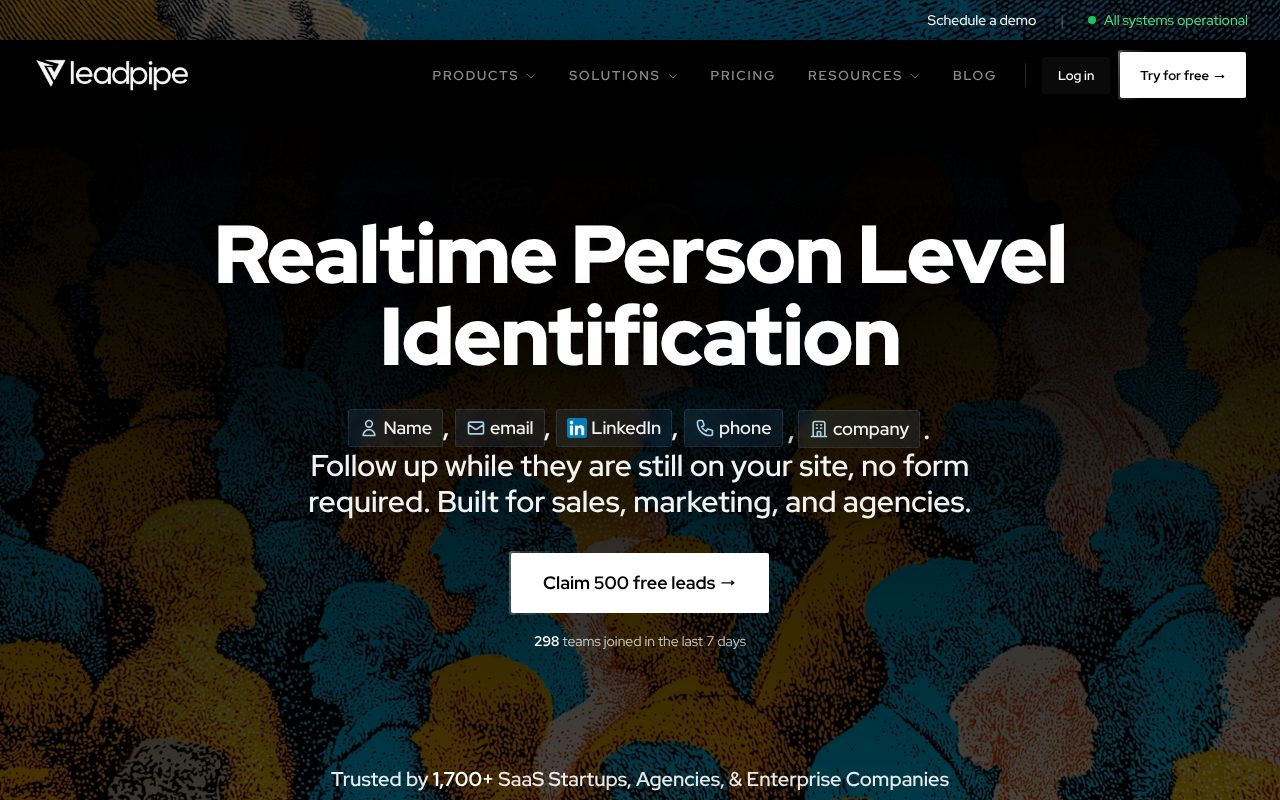
Leadpipe delivers the most complete contact data at the highest match rate, which is why it tops the list for sales teams focused on buying visitor identification software that actually drives pipeline.
What sales teams get:
- 30-40% deterministic match rate - 2-8x more identified visitors than competitors
- Full contact data on every plan: name, professional email, personal email, phone number, LinkedIn profile, company, job title
- Real-time Slack alerts with visitor context and behavioral data
- 200+ native integrations including Salesforce, HubSpot, Pipedrive, Slack, Zapier, and webhooks
- Suppression lists to exclude existing customers and save credits
- Page exclusions to focus identification on high-intent pages only
- Behavioral data: pages viewed, click events, return visits, session duration
- Own identity graph - not reselling third-party data
Why it works for sales: Full contact data (email + phone + LinkedIn) means your SDRs have multiple channels for outreach on every identified visitor. No “upgrade for email” gatekeeping. No requirement that visitors have a LinkedIn profile to be identified.
Best for: SDR teams, AEs doing their own prospecting, sales-led growth companies.
Price: $147/month for 500 person-level identifications.
2. Warmly - Best for Real-Time Chat Engagement
Warmly combines visitor identification with built-in live chat, video calling, and calendar booking. If you have someone monitoring chat during business hours, it can work well.
What sales teams get:
- Person-level identification with name, email, and LinkedIn
- Built-in chat and video calling from within the platform
- Calendar booking for instant meeting scheduling
- AI chatbot for off-hours visitor engagement
Limitation: Starting at $900/month, it’s 6x the cost of Leadpipe. Match rates run 15-25% - roughly half of what Leadpipe delivers. And you’re paying for chat features your team may not use.
Best for: Teams with someone actively monitoring chat during business hours.
3. RB2B - Best Free Starting Point
RB2B offers a free tier with 150 IDs/month, making it a low-risk way to test the concept of visitor identification before committing budget.
What sales teams get:
- 150 free person-level identifications per month
- LinkedIn profile matching
- Slack notifications
Limitation: The free plan only provides LinkedIn profiles - no email addresses. Professional email requires the Pro plan at $149/month. Only identifies visitors who are logged into LinkedIn, resulting in a 5-15% match rate. That’s a fraction of the leads you’d get with a higher-match-rate tool.
Best for: Sales teams wanting to test the concept before investing.
4. Leadfeeder (Dealfront) - Best for Account-Based Selling
Leadfeeder identifies companies, not people. If you’re running account-based sales and already have target account lists, it can flag when those accounts are on your site.
What sales teams get:
- Company-level identification with firmographic data
- Strong CRM integrations (Salesforce, Pipedrive, HubSpot)
- Lead scoring based on visit behavior
- European presence with GDPR compliance
Limitation: You still need to find the right person at the company manually. Knowing “someone at TechCo visited your pricing page” is useful, but it doesn’t give you the direct email and phone number you need to reach out.
Best for: Enterprise AEs with existing account lists who need visit signals layered onto their ABM strategy.
ROI Math: Is Visitor ID Worth It for Sales?
Let’s run the numbers with a realistic example. No hype - just math.
Assumptions:
- 10,000 monthly website visitors
- Leadpipe at 35% match rate = 3,500 identified contacts
- Filter to high-intent visitors (pricing, case studies, competitor pages) = ~500 hot leads/month
- SDR team reaches out to all 500
- 5% meeting rate from warm outreach = 25 meetings/month
- 20% close rate = 5 new customers/month
- Average deal size: $10,000 annually
Results:
- Monthly revenue from identified visitors: $50,000
- Monthly cost of Leadpipe: $147
- ROI: 340x
Even if you cut every assumption in half - 2,500 matches, 250 high-intent, 12 meetings, 2 deals - you’re still looking at $20,000 in new revenue against $147 in cost. The math sells itself.
Compare this to the cost of a single SDR ($60,000-$80,000/year) working cold lists. Visitor identification doesn’t replace your SDR - it makes them 3-5x more productive by feeding them warm, high-intent leads instead of cold names.
CRM Integration Deep Dive
The best visitor identification platforms don’t create another dashboard for your reps to check. They push data into the tools your team already lives in.
HubSpot
- Auto-create contacts when visitors are identified
- Attach page view data as timeline activities
- Enroll high-intent visitors in sequences automatically
- Update lead scores based on visit behavior
- Trigger workflows based on pages visited
Salesforce
- Create leads or contacts with full identification data
- Log website visits as activities on existing records
- Update lead status based on visit recency and frequency
- Feed visitor data into lead scoring models
- Custom field mapping for behavioral signals
Pipedrive
- Auto-create deals when high-intent visitors are identified
- Attach visitor context to deal notes
- Trigger notifications to deal owners when prospects return
- Tag leads by the pages that drove identification
Slack
- Real-time alerts to sales channels when high-intent visitors are identified
- Configurable by page (e.g., only pricing page visits trigger alerts)
- Rich context: name, title, company, pages viewed, visit count
- Direct link to CRM record for fast follow-up
Common Mistakes Sales Teams Make with Visitor ID
Visitor identification is powerful, but it’s not magic. Here are the mistakes that kill ROI.
1. Blasting Every Identified Visitor
Not every visitor is a prospect. Prioritize by intent signals: pricing page viewers > case study readers > blog post skimmers. Your outreach volume should be targeted, not maxed out.
2. Not Using Suppression Lists
If you’re burning identification credits on existing customers, employees, and competitors, you’re wasting 20-30% of your budget. Set up suppression lists on day one.
3. Ignoring Behavioral Data
The identity is only half the value. Which pages they visited is equally important. Someone who viewed your pricing page and a competitor comparison page needs a different outreach approach than someone who read a how-to blog post.
4. Following Up Too Slowly
The visit signal has a half-life. Reaching out within 1-2 hours of a visit gets dramatically better results than reaching out the next day. If your team is batching follow-ups weekly, you’re leaving meetings on the table.
5. Only Using Email
You have their phone number, their LinkedIn, and their email. Use all three channels. A quick phone call to a prospect who was on your pricing page 30 minutes ago is one of the highest-converting sales motions you can run. Don’t leave the phone number sitting in your CRM unused.
6. Not Closing the Loop on Attribution
If you’re not tracking which identified visitors became meetings and which meetings became revenue, you can’t optimize. You can’t tell marketing which content drives pipeline. And you can’t justify expanding the tool to leadership. Build the attribution tracking from day one.
Frequently Asked Questions
How quickly should sales follow up after a website visit?
Ideally within 1-2 hours. Website visit signals decay fast - the prospect is actively researching right now, and the longer you wait, the more likely they've moved on to evaluating a competitor. Teams that follow up within hours see 5-10x higher conversion rates compared to next-day outreach. Set up real-time Slack alerts so your SDRs can act immediately.
Can visitor identification replace my SDR team?
No - visitor identification makes your SDR team dramatically more effective, but it doesn't replace them. The tool identifies who's visiting and provides their contact information, but a human still needs to craft personalized outreach, handle conversations, and book meetings. Think of it as giving your SDRs a cheat code: instead of cold-calling 100 strangers, they're reaching out to 25 people who were just on your pricing page.
Does Leadpipe integrate with Salesforce and HubSpot?
Yes. Leadpipe offers native integrations with both Salesforce and HubSpot, along with 200+ other platforms including Pipedrive, Slack, Zapier, and custom webhooks. Identified visitors can be auto-pushed as new leads or contacts with full behavioral data attached, so your sales team works from their existing CRM without switching tools.
What's the ROI of visitor identification for sales?
At $147/month for 500 identifications, the ROI is typically 50-300x for B2B sales teams. Even conservative math shows: 500 identified visitors filtered to ~100 high-intent leads, a 5% meeting rate (5 meetings), and a 20% close rate (1 deal) means one closed deal per month covers the tool cost many times over. Most B2B deals are worth thousands or tens of thousands of dollars annually.
Can I see which specific pages a visitor viewed?
Yes. Leadpipe tracks full behavioral data including specific pages visited, time spent on each page, click events, return visit frequency, and session duration. This behavioral context is critical for sales - knowing a prospect viewed your pricing page three times and read a competitor comparison gives your SDR the context to write a highly relevant, personalized outreach message.
Do I need to tell visitors I'm using identification software?
Yes - you should disclose visitor identification in your website's privacy policy. Most visitor identification tools, including Leadpipe, use first-party cookies and deterministic matching that require disclosure under GDPR, CCPA, and similar privacy regulations. A clear privacy policy statement explaining that you collect and process visitor data for business purposes is standard practice. Consult your legal team for jurisdiction-specific requirements.
Related Articles
- 10 Best Visitor Identification Software in 2026 - Full comparison of every major platform with match rates and pricing
- How to Track Anonymous Website Visitors: Complete Guide - Step-by-step methods for identifying anonymous traffic
- Visitor Identification Pricing: 2026 Comparison - What every tool costs and what you actually get
- B2B Website Visitor Identification Software - Top 5 B2B-specific platforms compared
- RB2B Alternatives - If you’ve outgrown the free tier, here are better options
- GDPR-Compliant Visitor Identification - How to stay compliant while identifying visitors
- The SDR Playbook for Identified Visitors
- Visitor ID + Slack: Real-Time Lead Alerts